


Understanding the Ergonomics of Chair Design for Better Comfort and Health
Curious about the ergonomics of chair design? Ergonomic chairs provide essential support for your body and help maintain a healthy posture during long periods of sitting. This article will break down the features of an ergonomic chair, why they’re important, and how they benefit your overall health and comfort.
Key Takeaways
-
Ergonomic chairs are designed to fit various body sizes and tasks, prioritizing comfort and support to prevent health issues associated with prolonged sitting.
-
Key features of ergonomic chairs include adjustable seat height, lumbar support, and armrests, all aimed at promoting good posture and reducing discomfort.
-
Correctly adjusting ergonomic chairs can significantly decrease the risk of musculoskeletal disorders and enhance productivity by improving comfort and reducing strain.
Defining Ergonomics in Chair Design
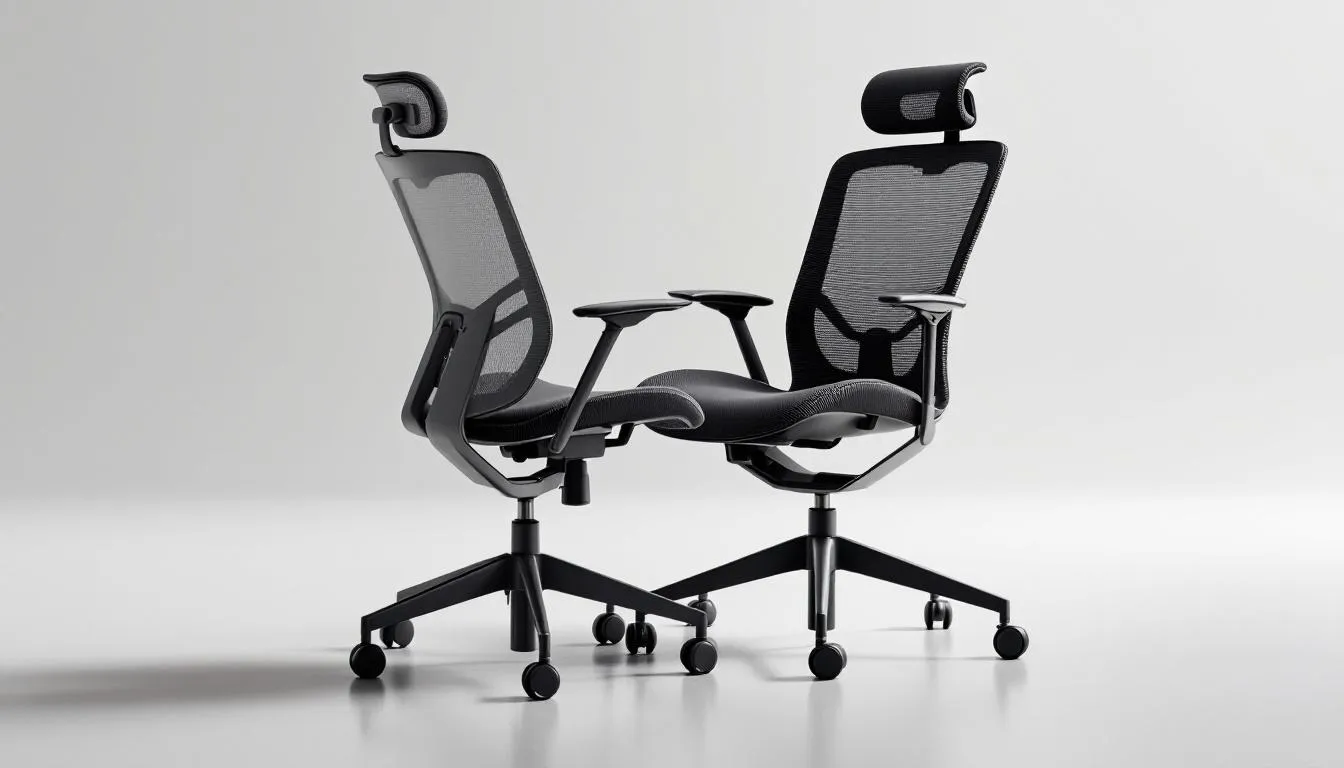
Ergonomics in chair design is all about understanding the body’s contours and movements to promote comfort and efficiency. An ergonomic chair is not a one-size-fits-all solution; it is designed to fit various body sizes and tasks effectively. The main aim of ergonomic chairs is to maximize comfort and efficiency in work environments, making them crucial in today’s workspace where long periods of sitting are common.
The design of ergonomic chairs prioritizes support for the human body to prevent discomfort and health issues. Using a poorly designed chair can lead to back pain, circulation problems, and musculoskeletal disorders. Therefore, the ergonomic approach emphasizes that sitting is a specialized activity influenced by the working environment.
Incorporating flexibility and adjustability allows an ergonomic chair to support a balanced and healthy sitting posture.
Key Features of an Ergonomic Chair
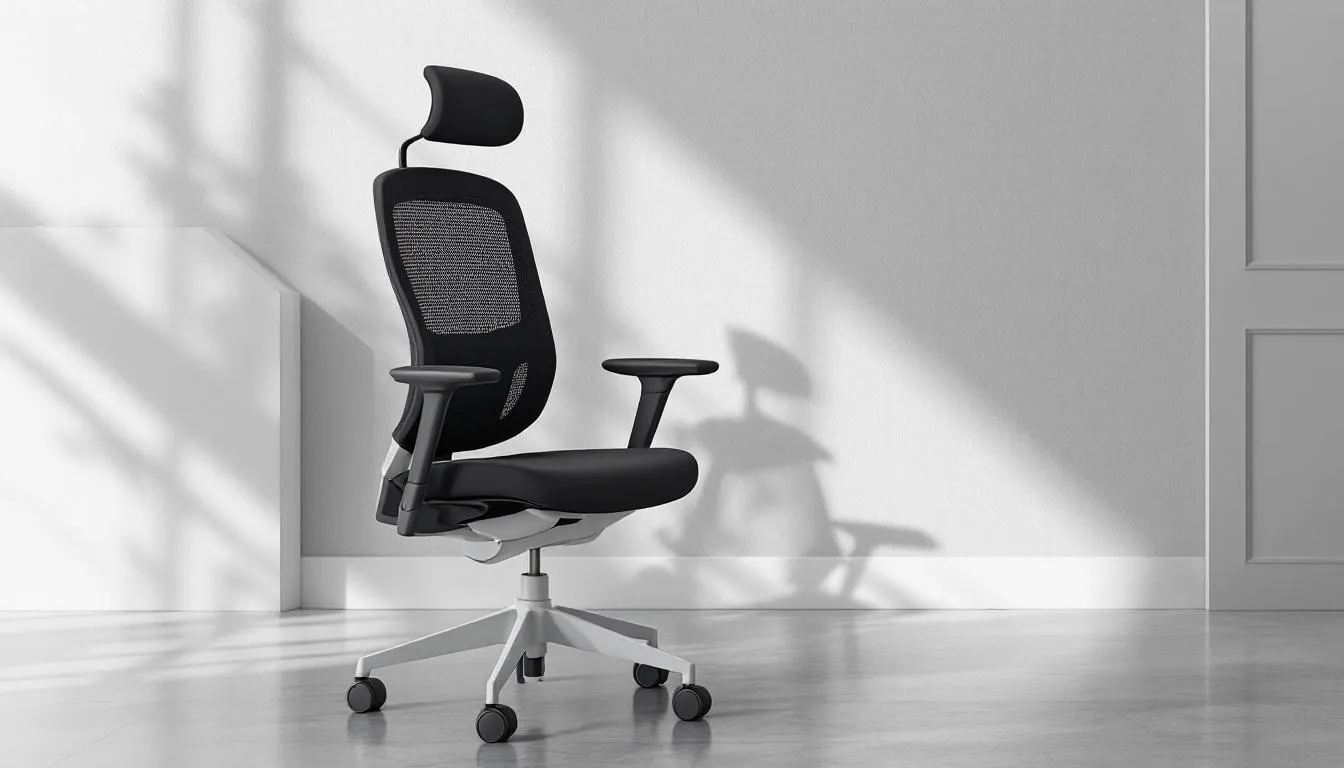
Understanding the key features of ergonomic chairs is crucial to appreciating their benefits. These chairs are designed with multiple adjustable components to cater to individual preferences and needs. From the seat pan to the armrests, each feature plays a vital role in promoting comfort and support.
Examining these features will highlight what makes a good ergonomic chair stand out.
Seat Pan
The seat pan is a critical element of ergonomic chair design. It provides optimal support and proper depth to prevent pressure on the knees. A well-designed seat pan supports blood circulation and prevents users from perching on the edge of the seat, which can lead to discomfort and poor posture.
For the best ergonomic benefits, consider the following regarding proper seat depth:
-
Allow for a 2 to 4 inches gap between the seat edge and the back of the knees.
-
This design accommodates different body sizes.
-
It enhances overall comfort.
-
It ensures users can sit back comfortably without cutting off circulation to their legs.
Adjustable Seat Height
One of the most important features of an ergonomic chair is adjustable seat height. This adjustability is essential in ensuring that users can keep their feet flat on the floor and their knees at right angles, promoting good posture and reducing strain. The optimal seat height typically corresponds to about a quarter of the person’s total height, which relates to the chair height.
Adjusting the seat height to let your feet rest flat on the floor helps maintain proper posture and supports your body’s natural alignment while standing. This helps in preventing discomfort and potential musculoskeletal issues over long periods of sitting.
Lumbar Support
Lumbar support is a cornerstone of ergonomic chair design, essential for maintaining the spine’s natural curve and preventing lower back pain. An ergonomic chair should provide support for the natural ‘S’ shape of the spine, promoting comfort and health.
The adjustability of the backrest allows users to align the chair’s curve with their spine’s curve, enhancing lumbar support. Proper alignment is essential. Slouching over time can result in discomfort or lower back pain. Proper lumbar support helps maintain the natural curvature of the spine, reducing the risk of disc compression.
Armrests
Armrests play a significant role in reducing upper body tension and allowing shoulders to relax. Adjustable armrests in ergonomic chairs help to keep the shoulders relaxed and reduce strain on the neck and wrists, promoting better arm movement.
These armrests can be adjusted in height, depth, and width to achieve ergonomic benefits. Aligning the armrests with desk height helps to keep shoulders relaxed, providing respite for upper arms and shoulders, especially for those frequently using a computer keyboard and looking at a computer screen.
Headrest
Headrests are an essential feature of ergonomic chairs, designed to support the head and neck during prolonged sitting. A good headrest can reduce strain on the neck and shoulders, leading to greater comfort and less fatigue.
Proper head alignment with headrest supports alleviates discomfort and pain in the upper body. This support contributes to overall well-being and enhances productivity during extended periods of sitting.
Recline Function
The recline function supports the back at various angles, preventing spine strain and promoting comfort. An adjustable backrest supports the natural position of the spine and reduces pressure on spinal disks and muscles.
Correct pelvic positioning is facilitated by an adjustable seat tilt, promoting comfort and reducing strain. Maintaining 80-degree angles at the hips, knees, and ankles is crucial for comfort while seated.
Ergonomic Base
The base design of an ergonomic chair plays a crucial role in supporting mobility by providing a stable yet flexible foundation. Hard casters and soft casters enable smooth movement, allowing users to reach for items without straining their bodies.
Mobility features in ergonomic chairs significantly enhance accessibility, allowing users to move easily and comfortably within their workspace. This not only enhances accessibility but also reduces the risk of discomfort and strain associated with limited movement.
Ergonomic seating is a key part of workplace planning, but it should also be considered alongside desks, workstations, meeting rooms, storage, and accessories. Our commercial office furniture buying guide explains how these pieces work together.
The Connection Between Ergonomic Chairs and Health

Ergonomic chairs can significantly decrease instances of musculoskeletal disorders by up to 75%. This reduction is due to the chairs’ ability to:
-
Support the body properly, reducing strain on muscles and joints
-
Improve blood flow, which can enhance cognitive function
-
Reduce feelings of fatigue in office workers
Correct lumbar support can significantly reduce the risk of back pain during extended sitting. Maintaining the natural spinal curve with ergonomic chairs alleviates lower back pressure, supported by reducing the risk of conditions like sciatica.
The entire workstation’s design and flexibility enhance the effectiveness of an ergonomic chair.
Choosing the Right Ergonomic Chair for Your Workspace
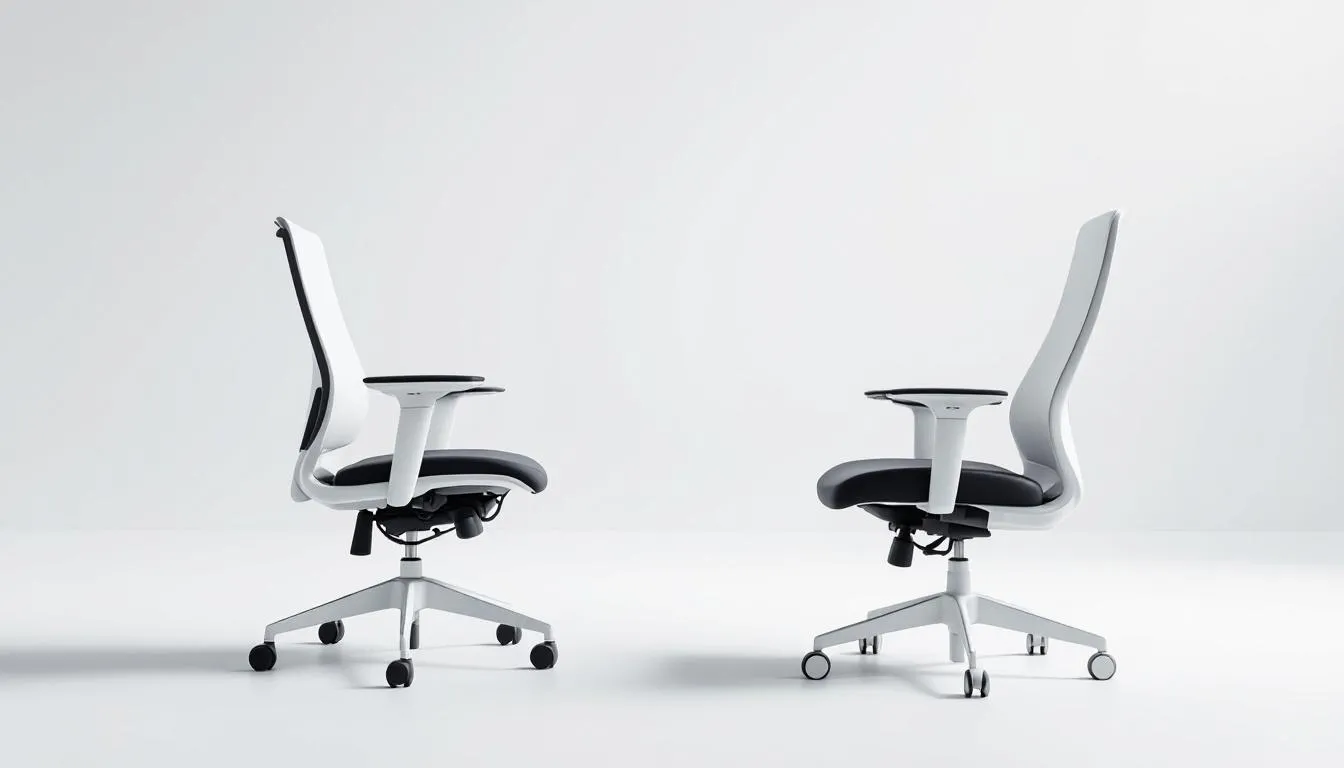
Selecting the right ergonomic chair requires considering the worker’s size, workstation arrangement, and tasks to find the right fit. Use body dimensions to ensure a better fit when purchasing an ergonomic chair for home use. Different professions may require varying chair features to meet specific task-related needs.
The adjustability of ergonomic chairs allows for customization to fit individual body shapes, unlike traditional office chairs. Ensure that the ergonomic office chair features adjustable options to provide necessary support and comfort.
Materials play a significant role in breathable materials and comfort during long periods of sitting, affecting weight.
Comparing Ergonomic Chairs to Traditional Office Chairs
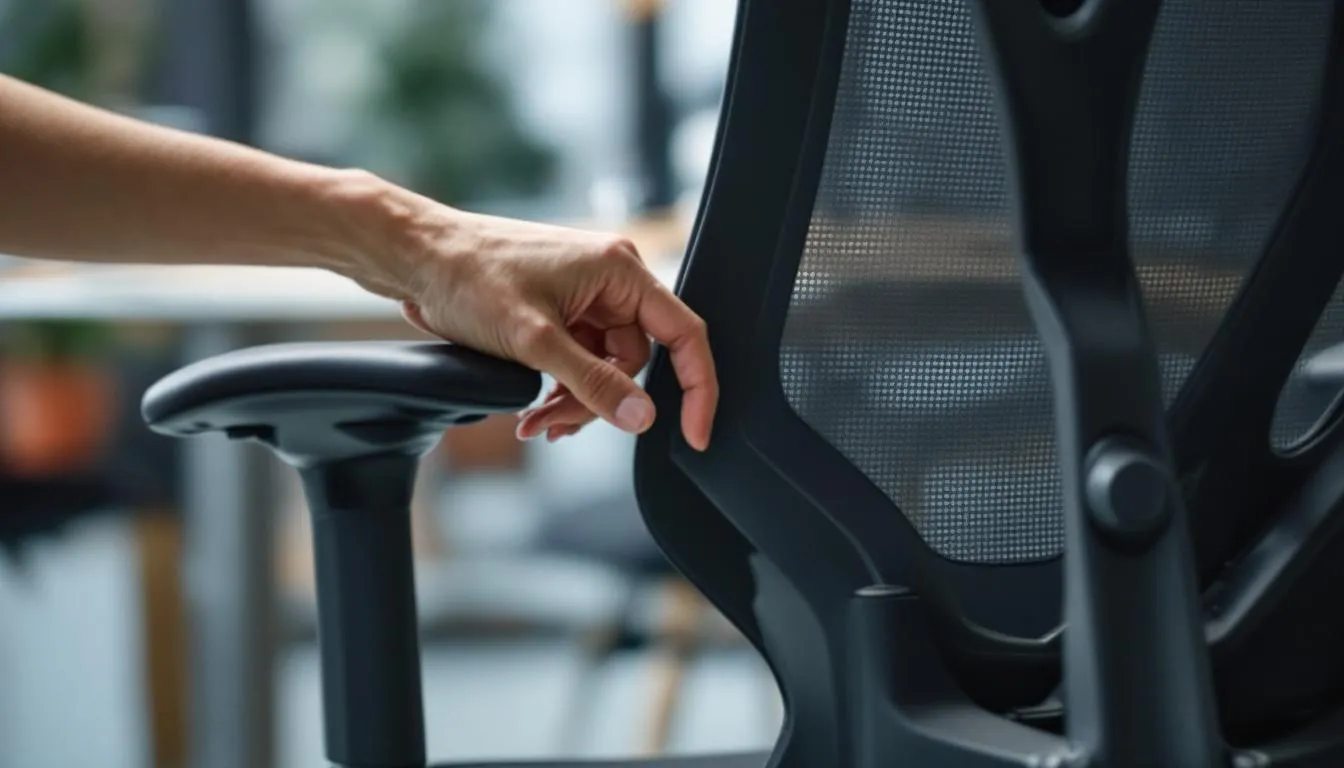
Ergonomic chairs are designed with intentionality across all features, aiming to provide comfort and support tailored to human use. Key differentiators of ergonomic chairs include adjustable lumbar support, adjustable armrests, and adjustable seat pans to cater to individual needs.
Ergonomic chairs feature pronounced and adjustable lumbar support, while traditional chairs often lack proper support, contributing to discomfort. Regular use of ergonomic chairs has been linked to enhanced productivity due to reduced discomfort and distraction, indicating long-term health benefits.
Steps to Adjusting Your Ergonomic Chair
Before adjusting your office chair, consult the chair’s specific instruction manual. After making adjustments, assess your comfort level to ensure your chair fits your adjust needs.
If your chair is not comfortable after adjustments, consider requesting an ergonomic assessment.
Adjusting Armrests
Armrests should be aligned with desk height to prevent shoulder strain. They should be adjusted as follows:
-
At a height where they slightly touch the undersides of your elbows when relaxed.
-
Allow elbows close to the body.
-
Maintain a right angle at the forearms.
Armrest width adjustments can accommodate various height adjustable desk tasks and body types.
Setting Backrest Lumbar Support
Positioning the backrest too far forward should be avoided to maintain proper posture. Some chairs may have a separate lumbar adjustment mechanism for personalized low back support.
Proper lumbar support alignment enhances comfort and reduces the risk of lower back pain by maintaining the natural curve of the spine.
Using Tilt and Recline Features
While typing, rocking in an ergonomic chair should not be performed to maintain proper posture and focus. Adjusting tilt and recline features is crucial for maintaining comfort during prolonged periods of sitting. The recline function supports the back at various angles, preventing spine strain and promoting comfort.
Summary
Ergonomic chairs are more than just a luxury; they are a necessity for anyone looking to improve their comfort and health in the workplace. The key features of ergonomic chairs, such as adjustable seat height, lumbar support, and armrests, play a crucial role in promoting good posture and reducing the risk of musculoskeletal issues.
By choosing the right ergonomic chair for your workspace and making the necessary adjustments, you can significantly enhance your comfort and productivity. Remember, investing in a good ergonomic chair is an investment in your health and well-being.
Frequently Asked Questions
What is the 30/30 rule in ergonomics?
The 30/30 rule in ergonomics suggests taking a 30-second micro-break every 30 minutes while working at a computer to promote better physical well-being. Incorporate deep breathing, stretching, or walking during these breaks for optimal results.
What is the main purpose of an ergonomic chair?
The main purpose of an ergonomic chair is to support and comfort your body, promoting good posture while reducing the risk of musculoskeletal disorders. Choosing the right ergonomic chair is essential for your health and productivity.
How does lumbar support in an ergonomic chair benefit me?
Lumbar support in an ergonomic chair significantly benefits you by maintaining the natural curve of your spine, which reduces pressure on the lower back and helps prevent back pain. Investing in such a chair can enhance your comfort and productivity.
Why is adjustability important in an ergonomic chair?
Adjustability is crucial in an ergonomic chair as it tailors the fit to individual body shapes and sizes, ensuring optimal support and comfort. This personalization helps prevent discomfort and promotes better posture.
How can I choose the right ergonomic chair for my workspace?
To choose the right ergonomic chair, assess your body dimensions, the tasks you perform, and prioritize adjustable features for a personalized fit. This ensures comfort and support for your workspace needs.